Applications
DataRobot offers various approaches for building applications—see the comparison table for more information—and the following sections describe the documentation available:
| Topic | Description |
|---|---|
| Create applications | Create applications in DataRobot to share machine learning projects using web applications like Streamlit and Dash. |
| Host applications | Host an application, such as a Streamlit app, in DataRobot using a DataRobot execution environment. |
| Manage applications | Share, stop, or delete applications from Applications in the top navigation. |
| Manage application sources | Add, configure, and manage application sources from Registry > Application sources. |
| Monitor applications | Monitor application logs, usage, service health, resource consumption, and tracing (you must be a DataRobot admin or application owner). |
What are applications?
DataRobot offers various approaches for building applications that allow you to share machine learning projects: applications, application templates, and no-code applications.
The use cases and availability of each application type are described in the tabs below:
Applications are a simple method for building and running custom code within the DataRobot infrastructure. You can customize your application to fit whatever your organization's needs might be—from something simple, such as tailoring the application UI to a specific design, or something more robust. Applications can also be built with or without a deployed model.
DataRobot also offers the ability to create applications using one of the out-of-the-box, front-end templates that accelerate development. These templates, with offerings such as Streamlit, Flask, and a Slack app, are also customizable to your preferences.
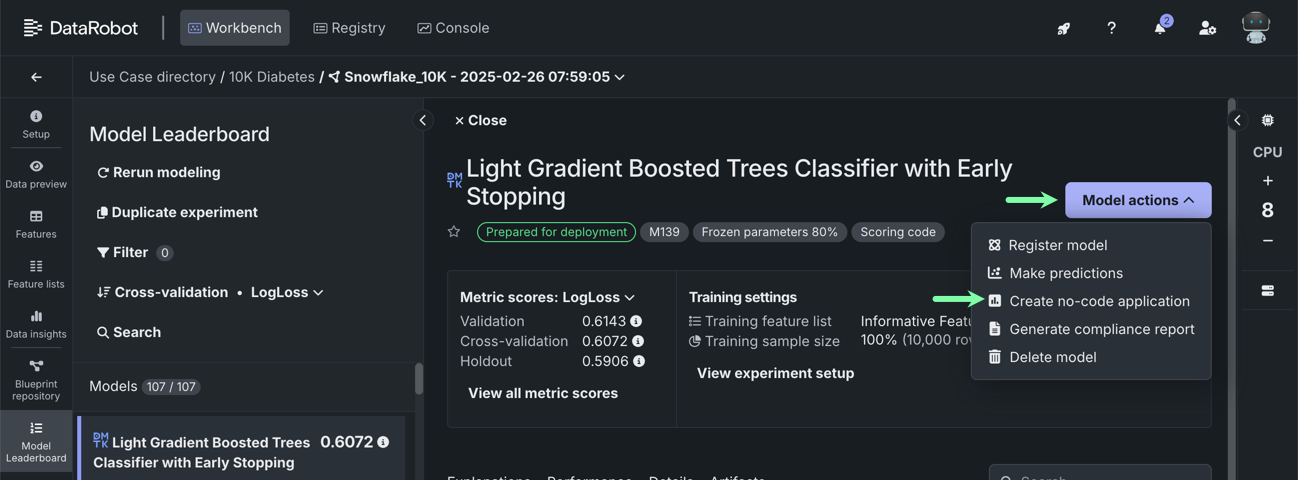
Available from: Applications
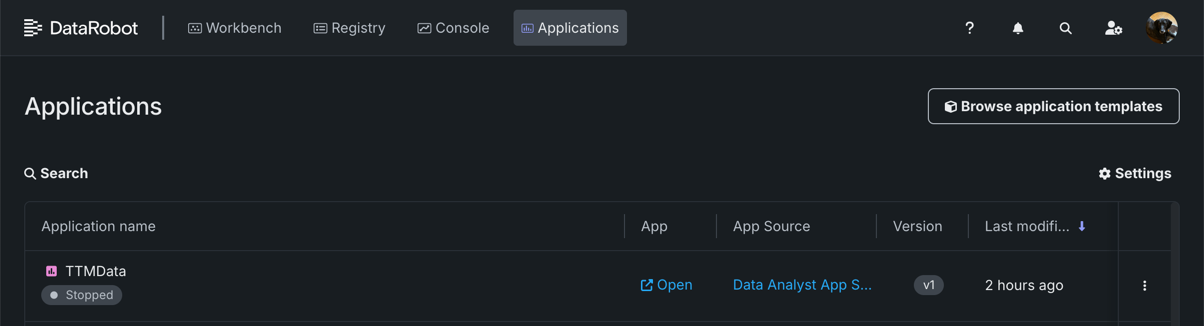
Use application templates to launch an end-to-end DataRobot experience. This can include aspects of importing data, model building, deployment, and monitoring. The templates assist you by programmatically generating DataRobot resources that support the use case. Application templates are customizable and consist of multiple components.
Once built, you can access the application from the Applications page.
Available from:
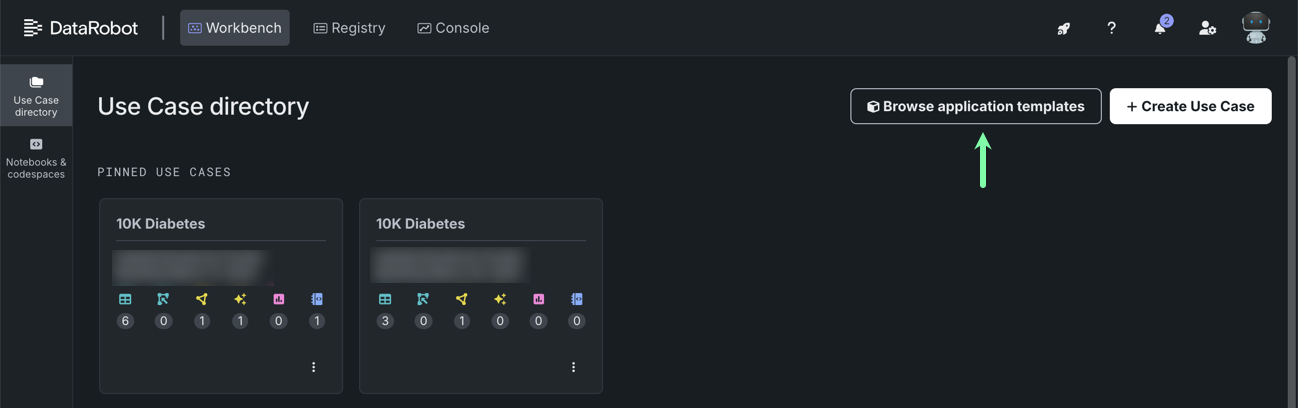
No-code applications are used to visualize, optimize, or otherwise interact with a machine learning model. They enable core DataRobot services without having to build and evaluate models. No-code applications are not customizable, they require deployment, and they consist of a single component.
Available from: Workbench experiment > Model Leaderboard > Model actions > Create no-code application