Register and deploy vector databases
The Vector databases tab lists all vector databases associated with a Use Case. Vector database entries include information on the versions derived from the parent; see the section on versioning for detailed information on vector database versioning.
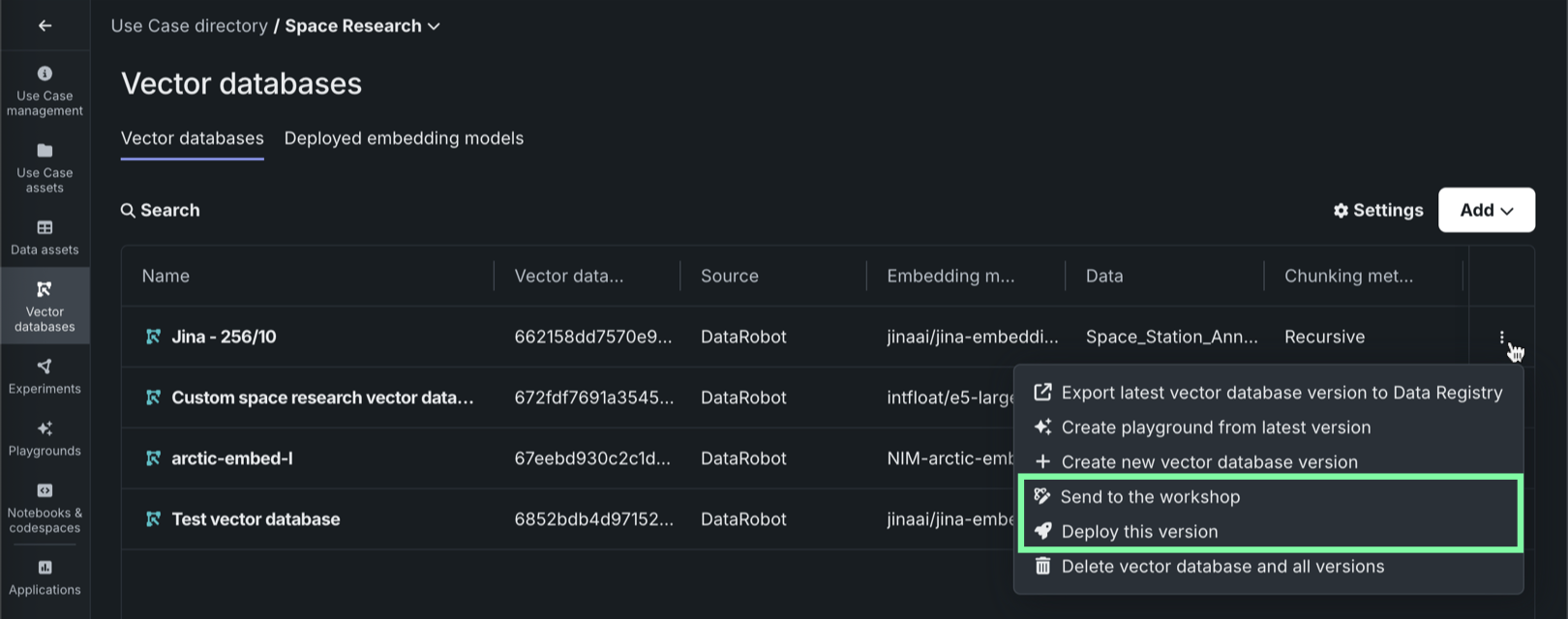
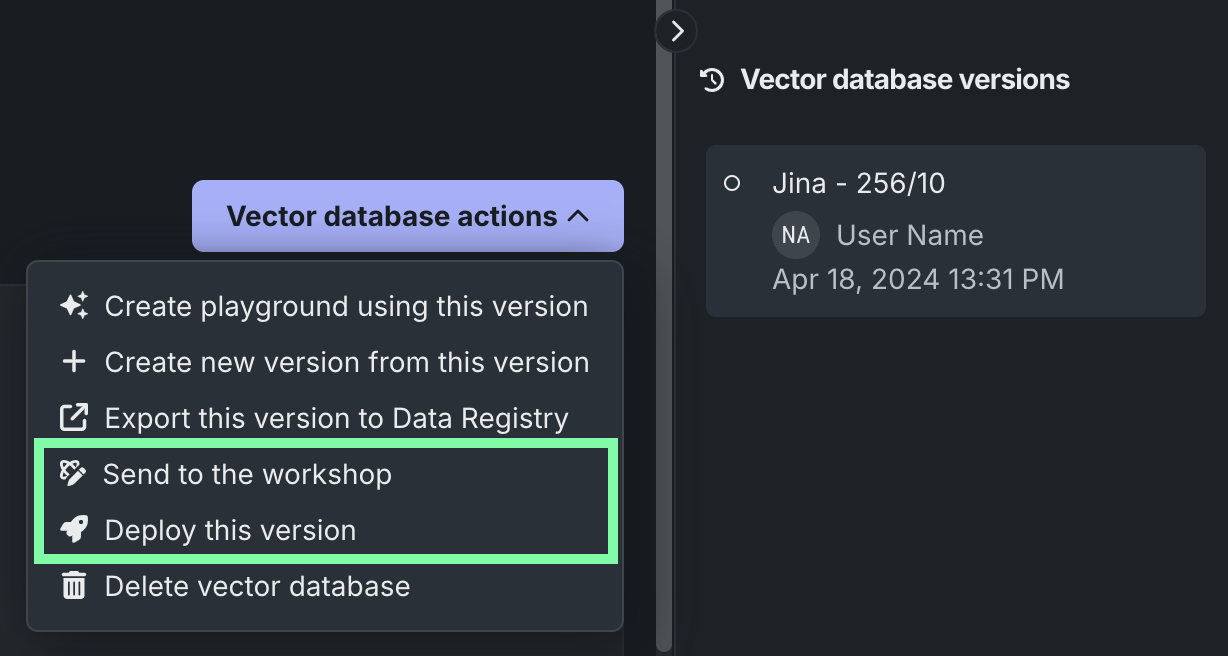
For each vector database on the Vector databases tab, the actions menu allows you to send the vector database to production in two ways:
| Method | Description |
|---|---|
| Send to the workshop | Send the vector database to the workshop for modification and deployment. |
| Deploy this version | Deploy the latest version of the vector database to the selected prediction environment. |
Send to the workshop
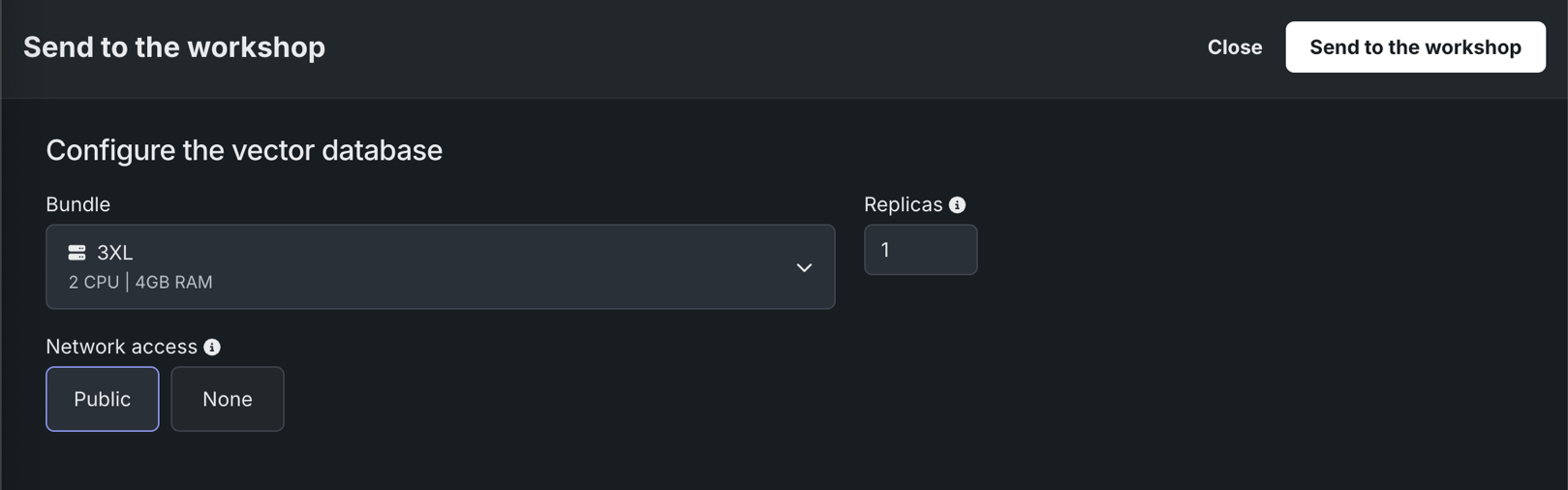
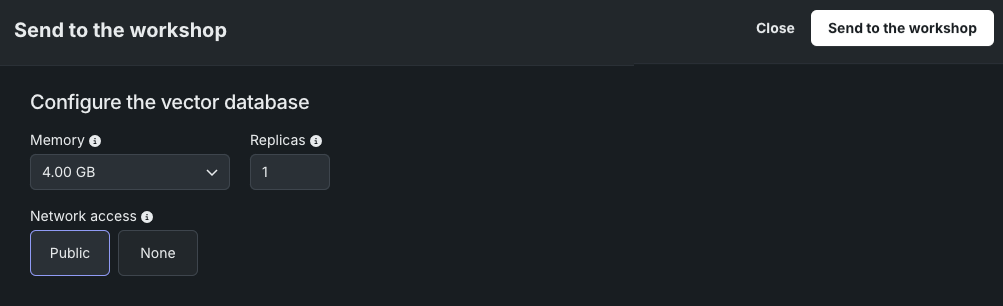
To send a vector database from the playground to the workshop, click Send to the workshop and provide the following information:
| Field | Description |
|---|---|
| Memory | Determines the maximum amount of memory that can be allocated for a custom inference model. If a model is allocated more than the configured maximum memory value, it is evicted by the system. If this occurs during testing, the test is marked as a failure. If this occurs when the model is deployed, the model is automatically launched again by Kubernetes. |
| Bundle | Preview feature If enabled for your organization, selects a Resource bundle—instead of Memory—. Resource bundles allow you to choose from various CPU and GPU hardware platforms for building and testing custom models in the workshop. |
| Replicas | Sets the number of replicas executed in parallel to balance workloads when a custom model is running. Increasing the number of replicas may not result in better performance, depending on the custom model's speed. |
| Network access | Premium feature. Configures the egress traffic of the custom model:
DATAROBOT_ENDPOINT and DATAROBOT_API_TOKEN environment variables. These environment variables are available for any custom model using a drop-in environment or a custom environment built on DRUM. |
Premium feature: Network access
Every new custom model you create has public network access by default; however, when you create new versions of any custom model created before October 2023, those new versions remain isolated from public networks (access set to None) until you enable public access for a new version (access set to Public). From this point on, each subsequent version inherits the public access definition from the previous version.
Preview feature: Resource bundles
Custom model resource bundles and GPU resource bundles are off by default. Contact your DataRobot representative or administrator for information on enabling this feature.
Feature flag: Enable Resource Bundles, Enable Custom Model GPU Inference (Premium feature)
Next, click Send to the workshop. You are redirected to the workshop after the vector database is successfully created.
Deploy the latest version
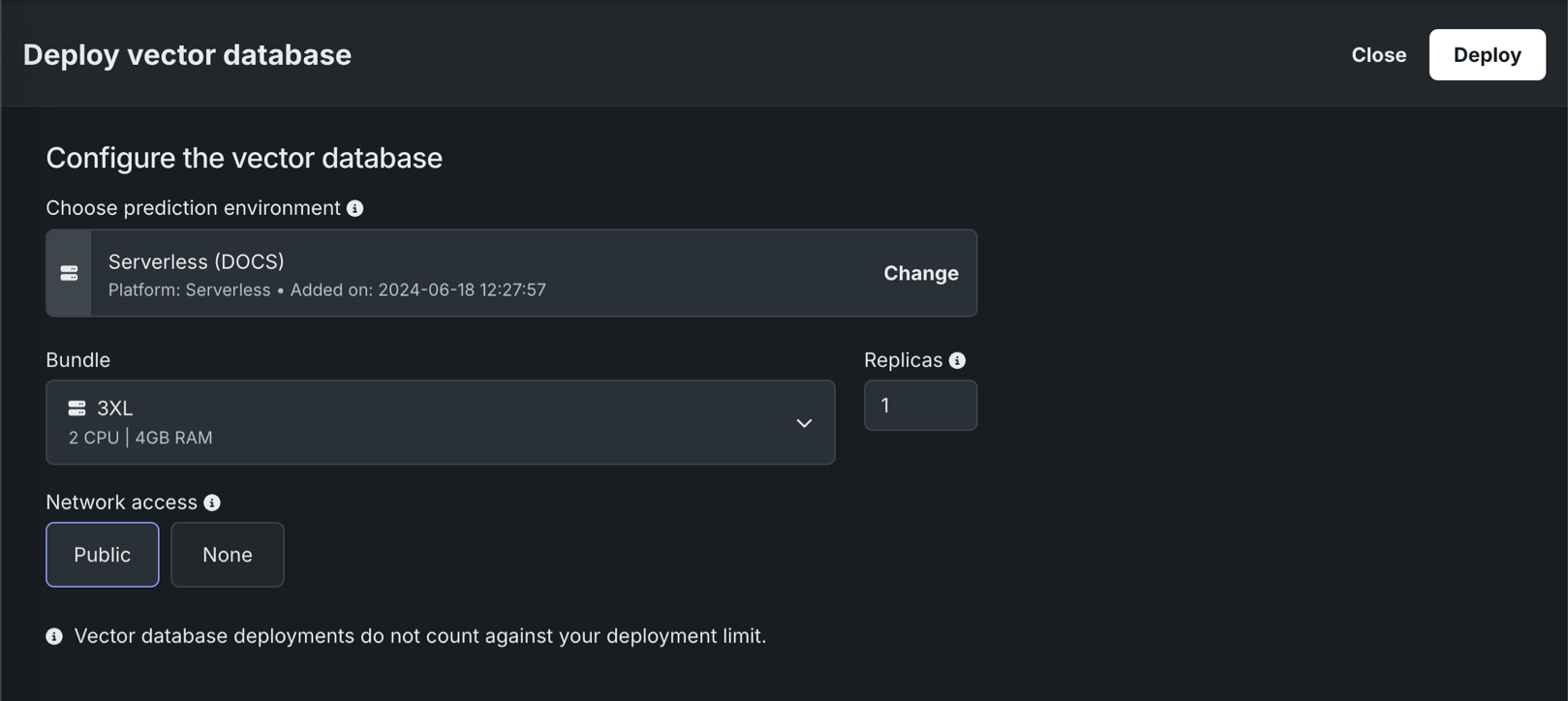
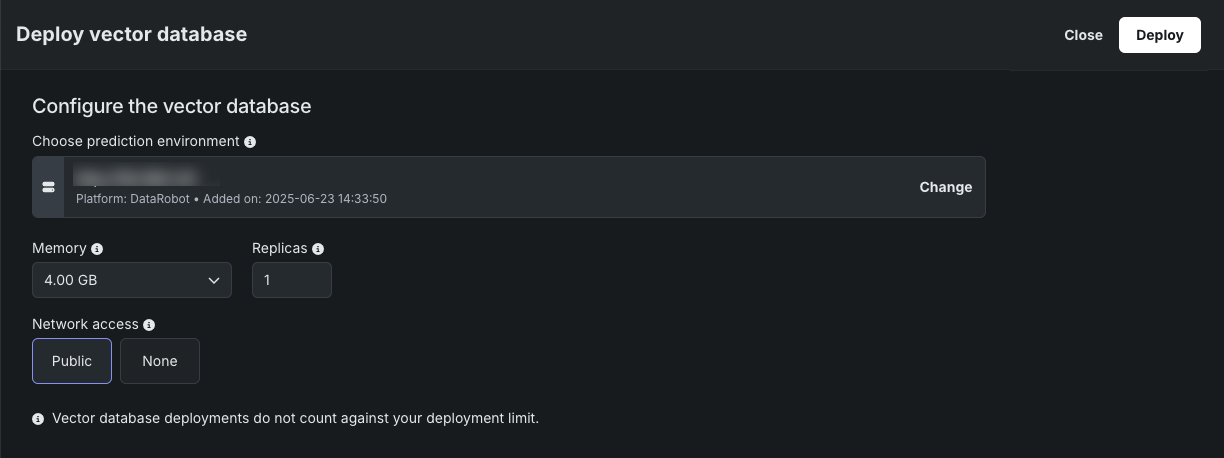
To deploy a vector database from the playground to the Console, click Deploy this version and provide the following information:
| Field | Description |
|---|---|
| Choose prediction environment | Determines the prediction environment for the deployed vector database. Verify that the correct prediction environment with Platform: DataRobot Serverless is selected. |
| Memory | Determines the maximum amount of memory that can be allocated for a custom inference model. If a model is allocated more than the configured maximum memory value, it is evicted by the system. If this occurs during testing, the test is marked as a failure. If this occurs when the model is deployed, the model is automatically launched again by Kubernetes. |
| Bundle | Preview feature If enabled for your organization, selects a Resource bundle—instead of Memory—. Resource bundles allow you to choose from various CPU and GPU hardware platforms for building and testing custom models in the workshop. |
| Replicas | Sets the number of replicas executed in parallel to balance workloads when a custom model is running. Increasing the number of replicas may not result in better performance, depending on the custom model's speed. |
| Network access | Premium feature. Configures the egress traffic of the custom model:
DATAROBOT_ENDPOINT and DATAROBOT_API_TOKEN environment variables. These environment variables are available for any custom model using a drop-in environment or a custom environment built on DRUM. |
Next, click Deploy. You are redirected to the Console after the vector database is successfully deployed.
What monitoring is available for vector database deployments?
DataRobot automatically generates custom metrics relevant to vector databases for deployments with the Vector Database deployment type; for example, Total Documents, Average Documents, Total Citation Tokens, Average Citation Tokens, and VDB Score Latency. Vector database deployments also support service health monitoring. Vector database deployments don't store prediction row-level data for data exploration.