Configure OTel retention
OpenTelemetry (OTel) traces, logs, and metrics are retained per organization. The retention policy you set for a signal type applies to all users in the organization. Retention is configured per organization; there's no per-user or per-team retention setting.
Required permission
System administrator
If an organization hasn't set a policy explicitly, DataRobot applies the 14-day policy to trial organizations and the 30-day policy to standard organizations.
- Click Admin settings in the top navigation. The Organizations tab is open by default.
- From the Organizations tab, click the organization you want to configure retention for.
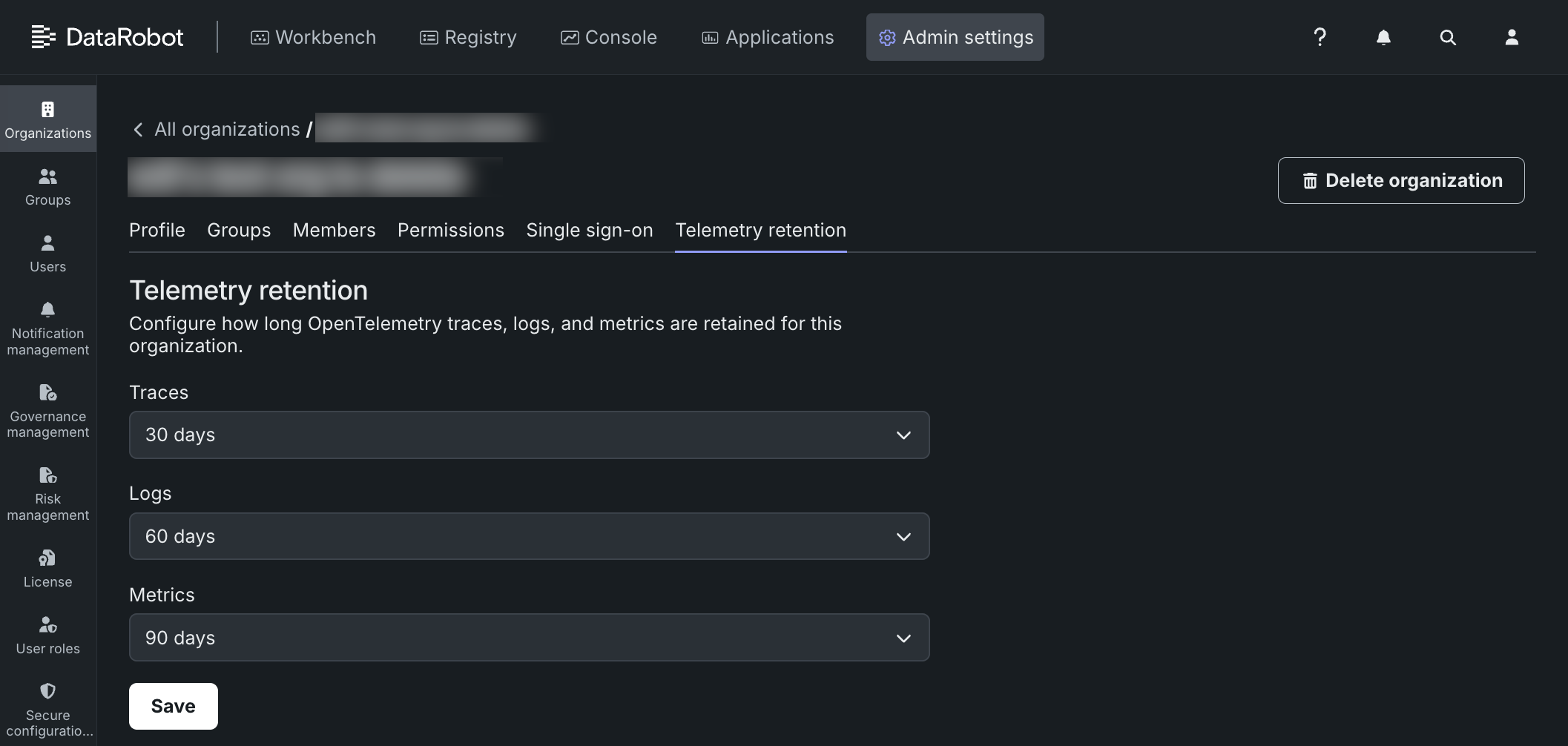
- In the organization profile, click Telemetry retention.
-
On the Telemetry retention tab, for each signal type—Traces, Logs, Metrics—select a retention policy from the dropdown.
Each signal type can use a different policy.
Retention Policy 14 days datavolt-otel-14d-policy30 days datavolt-otel-30d-policy60 days datavolt-otel-60d-policy90 days datavolt-otel-90d-policy180 days datavolt-otel-180d-policy360 days datavolt-otel-360d-policy -
Click Save to apply the new policy.
Related documentation
For more information, see the following documentation: