Password policies
DataRobot can be configured to enforce restrictions on users' passwords. To configure these options, refer to the Tuning DataRobot Environment Variables section of this guide.
Default password policies
By default, DataRobot is configured so that all users' passwords must meet the following requirements: * Contains only printable ASCII characters * Must be between 8 and 512 characters in length * Must contain at least one capital letter * Must contain at least one number * Can't be the same as the user's username
The default password policies can be overridden via the PASSWORD_POLICIES config. The config is of array type with the objects in the following format:
{
    "policyType": "The policy type", // OneOf[PolicyType]
    "description": "Description of the policy", // str
    "value": "The value to enforce. The context depends on the policy type", // OneOf[string, int, array], optional
    "options": "The options to apply, The context depends on the policy type" // OneOf[string, int, array], optional
}
The supported PolicyTypes:
-
previousPasswordsForbidden- requires the password to be different from the lastvaluepreviously used passwords. If a user tries to reuse a password beforevaluepassword changes, it's rejected. e.g.{ "policyType": "previousPasswordsForbidden", "description": "previous passwords policy", "value": 3 } -
validCharacterSet- describes which characters are valid to include in a password. If a user tries to set a password using characters other than these, it's rejected
e.g.
{
    "policyType": "validCharacterSet",
    "description": "supported characters policy",
    "value": "abcdef0123456789"
}
-
requiredCharacterSet- the characters which are required in the policy. The password has to include at leastvaluecharacters from theoptionsset. For example, can be used to ensure the password has at least one capital letter. e.g.{ "policyType": "requiredCharacterSet", "description": "required characters policy", "value": 1, "options": ["A", "B", "C", "D", ...] } -
minimumLength- requires the password to have at leastvaluenumber of characters. e.g.{ "policyType": "minimumLength", "description": "minumum password length policy", "value": 8 } -
maximumLength- requires the password to have no more thanvaluenumber of characters. e.g.{ "policyType": "maximumLength", "description": "maximum password length policy", "value": 256 } -
usernameForbidden- requires the password to not be identical to the username. e.g.{ "policyType": "usernameForbidden", "description": "username is not password policy" }
An override example:
# helm chart values snippet
core:
  config_env_vars:
    PASSWORD_POLICIES: '[{"policyType":"previousPasswordsForbidden","description":"previous passwords policy","value":3}]'
Password expiration
Passwords can be configured to expire a certain number of days after they're set. If a user attempts to login to DataRobot using an expired password, they're prompted to change their password before they can access the application.
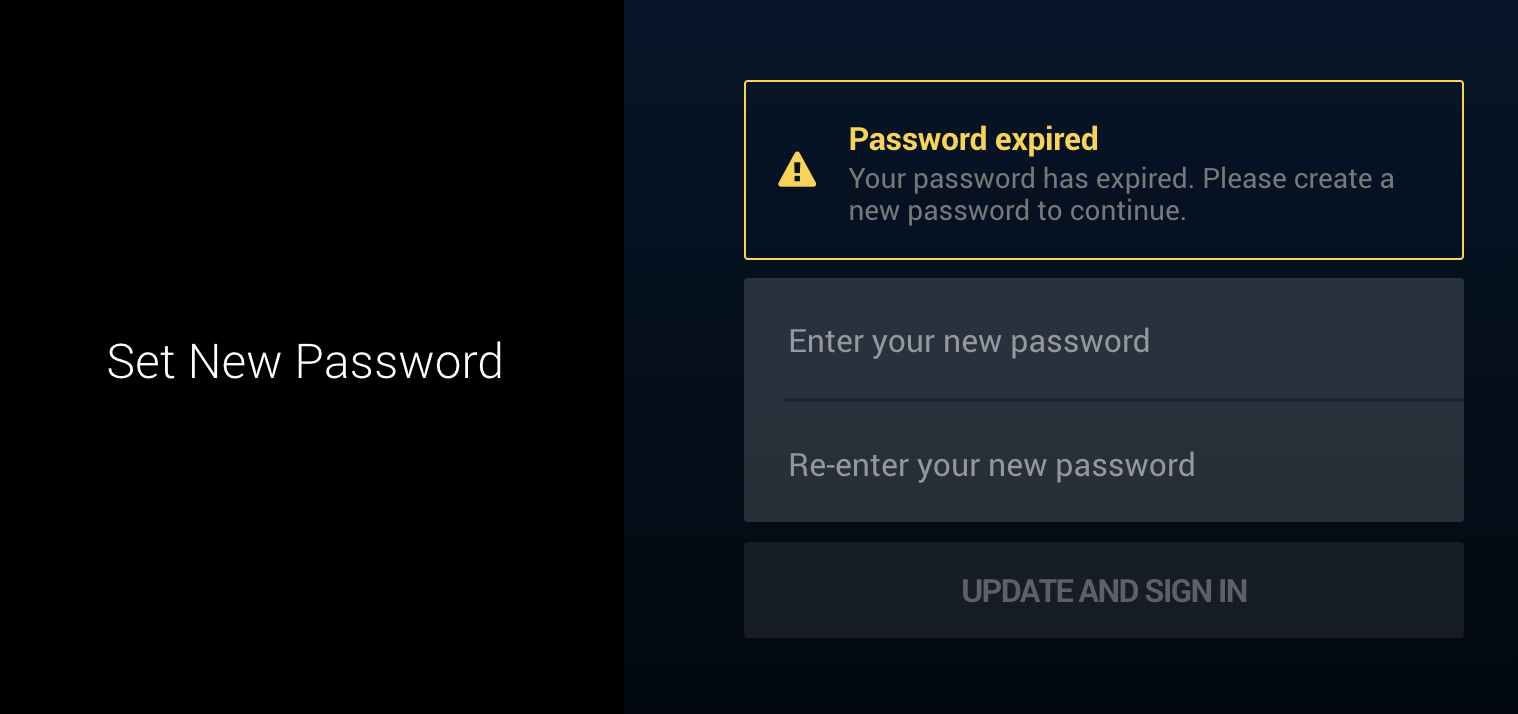
To enable password expiration, set the PASSWORD_EXPIRATION_TIME setting in core.config_env_vars to a non-zero number. This value is the number of days after which a password expires.
# helm chart values snippet
core:
  config_env_vars:
    PASSWORD_EXPIRATION_TIME: 180
When a user's password is about to expire, they're warned when they log in and every time they load DataRobot in a new browser tab.
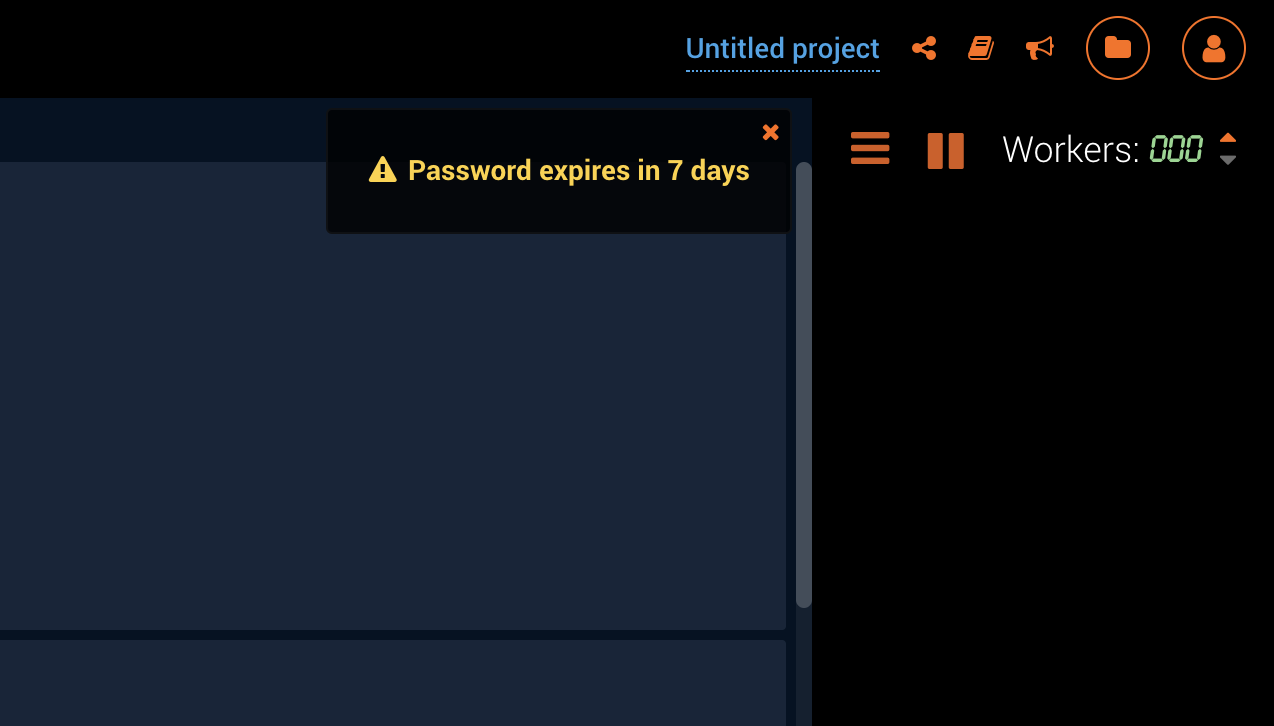
How much notice users are given before their password expires can be configured using PASSWORD_EXPIRATION_WARNING_TIME setting in core.config_env_vars. This value controls the number of days before a user's password expires that DataRobot begins warning them. For example, to show warnings to a user up to two weeks before their password expires:
# helm chart values snippet
core:
  config_env_vars:
    PASSWORD_EXPIRATION_WARNING_TIME: 14
Password reuse
If password expiration is enabled, DataRobot blocks users from reusing passwords. How many recently used passwords are blocked is controlled by the PASSWORD_HISTORY_LENGTH setting in core.config_env_vars. This number doesn't include the user's current password. For example, to prevent users from reusing their 3 most recent passwords:
# helm chart values snippet
core:
  config_env_vars:
    PASSWORD_HISTORY_LENGTH: 3
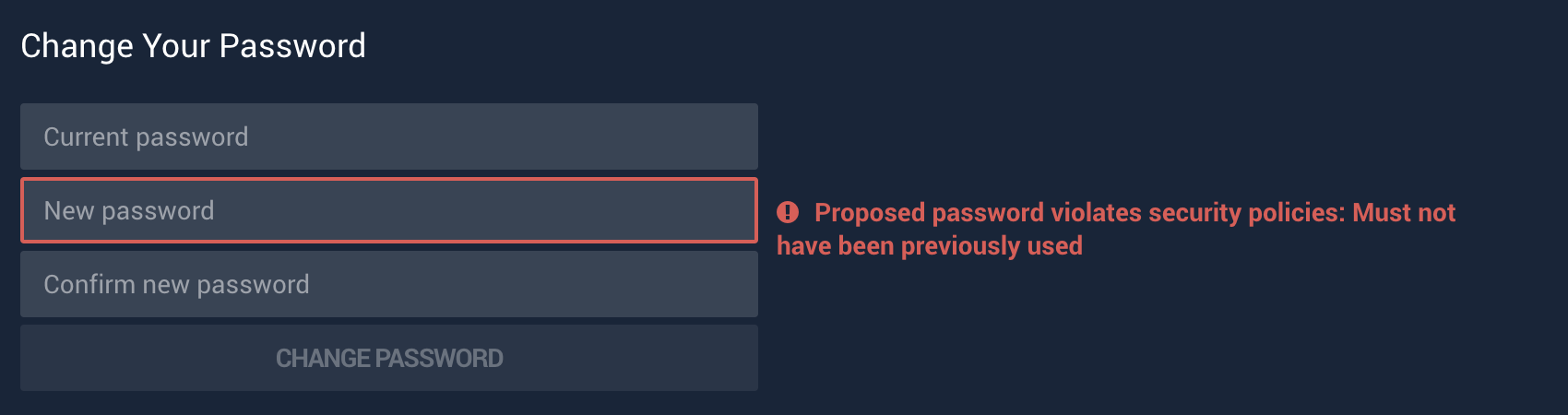
When a user attempts to change their password to a previously used password, they see: