Configure resource settings
Preview
The ability to edit custom model CPU and GPU resource bundles and runtime parameters on a deployment is off by default. Contact your DataRobot representative or administrator for information on enabling this feature.
Feature flags: Enable Resource Bundles, Enable Custom Model GPU Inference (Premium feature), Enable Editing Custom Model Runtime-Parameters on Deployments
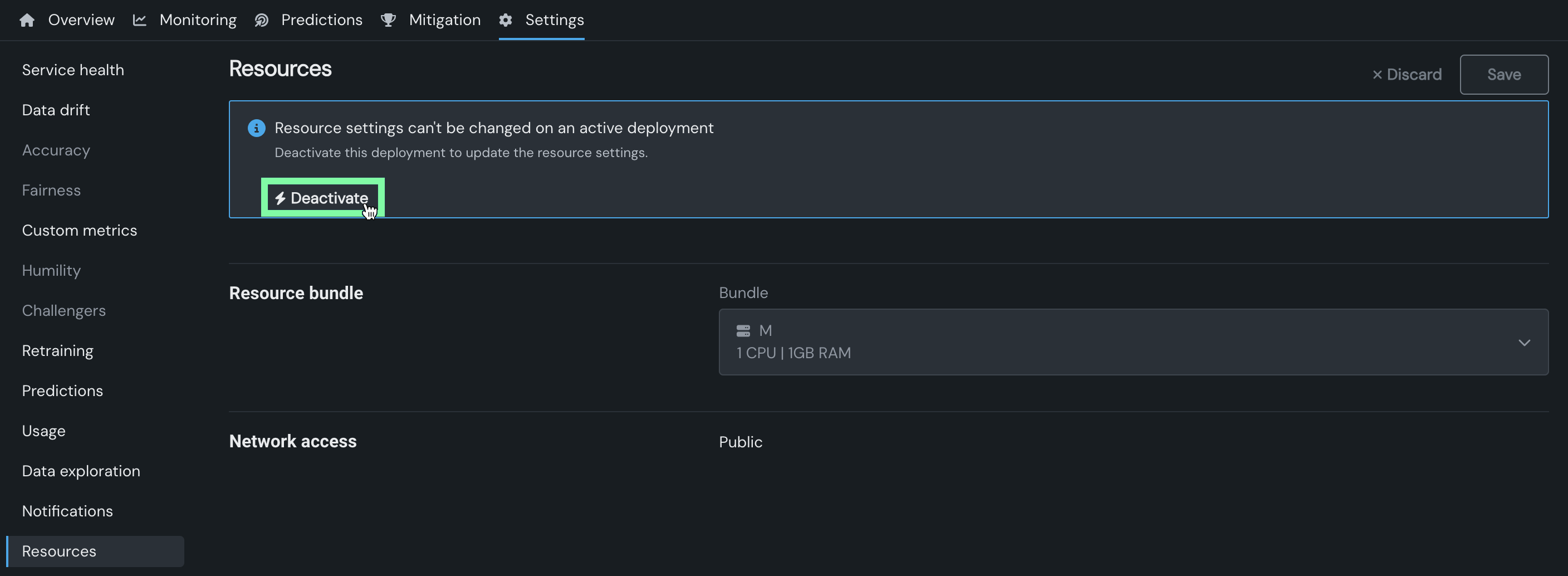
For deployed custom models, you can access the Settings > Resources tab to configure the settings defined during custom model assembly. If the custom model is deployed on a DataRobot Serverless prediction environment, you can modify the Resource bundle settings from the Resources tab. To do this, first make sure the deployment is inactive. If the deployment is active, the Resource settings can't be changed on an active deployment alert appears. Click Deactivate, and then in the Deactivate deployment dialog box, click Deactivate again to confirm:
Once the deployment is inactive, in the Resource bundle section, edit the Bundle setting, and then click Save:
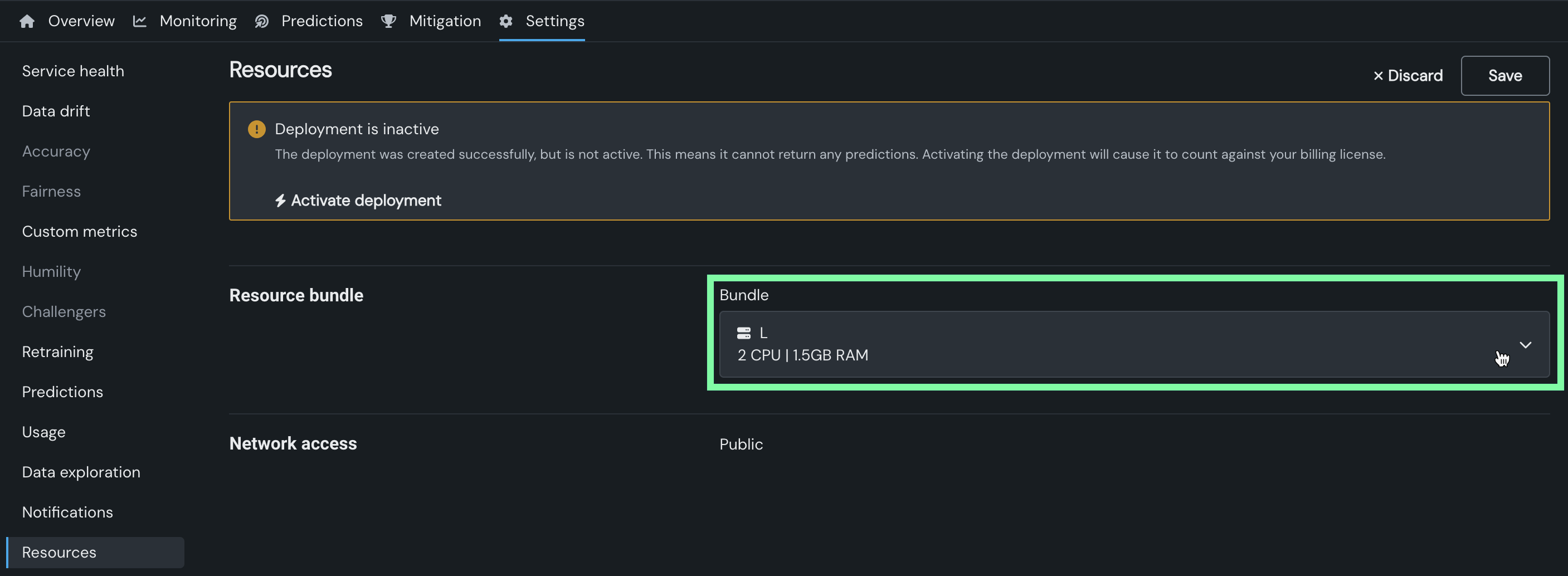
After the settings are configured, click Activate deployment to reactivate the deployment.
Next steps
After adjusting resource settings, review deployment capacity or the custom model configuration that defines these resource bundles.
- Create custom models: Review how resource bundles and runtime parameters were originally configured during custom model assembly.
- Configure capacity: Set throughput and rate limits to complement the CPU and GPU resources configured here.
- Resource monitoring: Track how the deployment is using its allocated resources over time.