Related Assets
| Tab | Description |
|---|---|
| Artifacts | Lists the applications, registered models, and deployments associated with the selected model. |
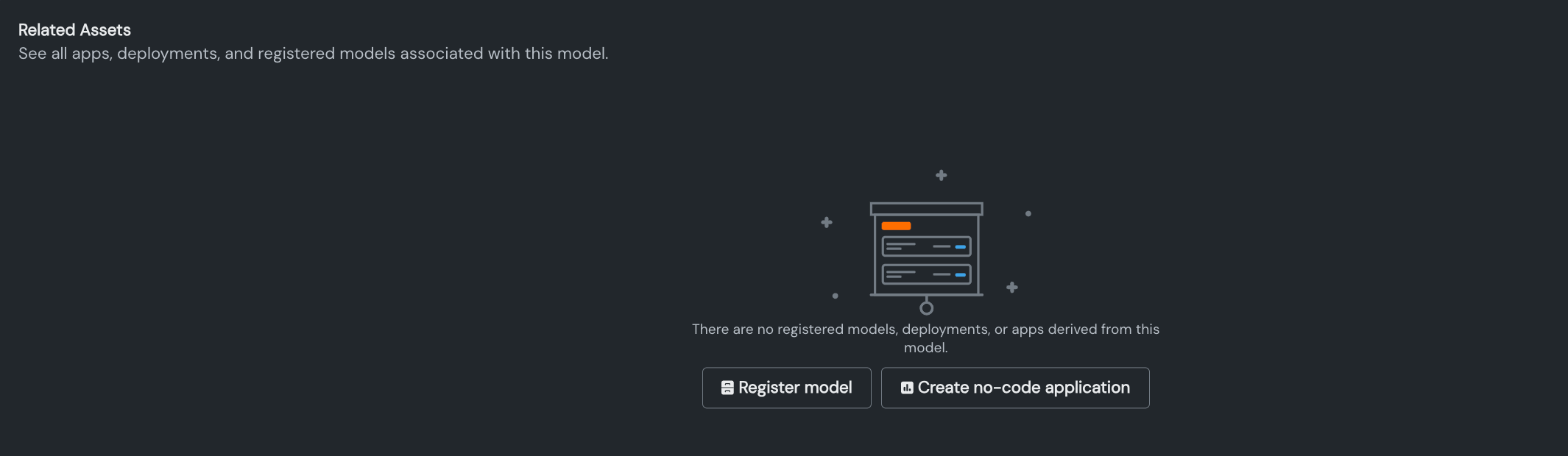
The Related Assets tab allows you to access the applications, registered models, and deployments associated with the model. If there are no assets associated yet, you can launch the no-code application workflow or register the model.
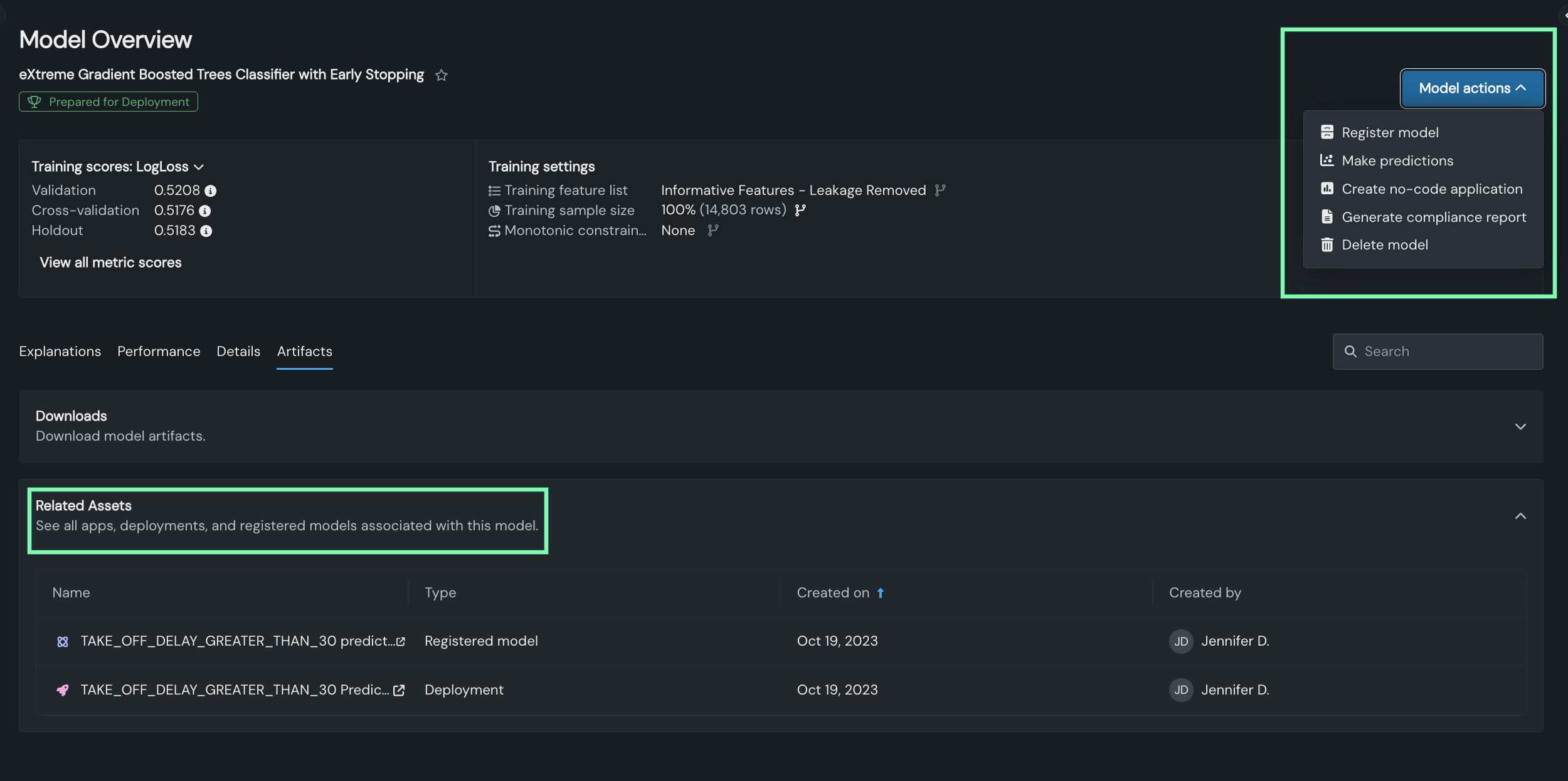
Any assets that have been created are listed. Instead of launching asset creation from the insight, you then access those actions where they are always available—Model actions in the upper right:
Next steps
Explore the other Artifacts-tab insights to export model outputs or prepare a model for regulated deployment.
- Downloads: Export the model's charts and data as a ZIP file for offline use.
- Compliance documentation: Generate an editable compliance report documenting the model's development and validation.
- Blueprint: Review the preprocessing, modeling, and post-processing steps used to build the model.