May 2025
May SaaS feature announcements
May 2025
This page provides announcements of newly released features in May 2025, available in DataRobot's SaaS multi-tenant AI Platform, with links to additional resources. From the release center, you can also access past announcements and Self-Managed AI Platform release notes.
May features
The following table lists each new feature:
Features grouped by capability
| Name | NextGen | Classic |
|---|---|---|
| Applications | ||
| In-app walkthrough added for application templates | ✔ | |
| GenAI | ||
| New versions of Gemini released; Bison retired | ✔ | |
| Use the DataRobot LLM gateway | ✔ | |
| Data | ||
| Mongo-based search in the AI Catalog | ✔ | |
| Platform | ||
| NextGen is now the default landing page | N/A | N/A |
Applications
In-app walkthrough added for application templates
For trial users, a lightweight, in-app walkthrough has been added for application templates. This walkthrough guides you through the selection and initial configuration of an application template. You can access the walkthrough by clicking Browse application templates in Workbench.
GenAI
New versions of Gemini released; Bison retired
With this deployment, Gemini 1.5 Pro version v001 and Gemini 1.5 Flash v001 have been replaced, in both cases, with version 002. On May 24, 2025, v001 was permanently disabled. On September 24, 2025 both Gemini 1.5 Pro v002 and Gemini 1.5 Flash v002 will be retired. If an LLM blueprint is in the playground, it has been automatically switched to v002. If you have a registered model or deployment that uses v001, you must re-send the LLM blueprint to the Registry’s workshop and redeploy it to start using v002. Alternatively, if using the Bolt-on Governance API for inference, specify gemini-1.5-flash-002 / gemini-1.5-pro-002 as the model ID in the inference request without redeploying the LLM blueprint.
Additionally, Google Bison has been retired. See the full list of LLM availability in DataRobot, with links to creator documentation, for assistance in choosing a replacement embedding model.
Use the DataRobot LLM gateway
Now available as a premium feature, the DataRobot LLM gateway service provides a DataRobot API endpoint to interface with LLMs hosted by external LLM providers. To request LLM responses from the DataRobot LLM gateway, you can use any API client that supports OpenAI-compatible chat completion API, for example, the OpenAI Python API library. To use this service, learn how to make requests to the DataRobot LLM gateway in your code. Or, in a text generation custom model from the playground, provide the ENABLE_LLM_GATEWAY_INFERENCE runtime parameter, set to True, to use the gateway for that model.
Data
Mongo-based search in the AI Catalog
The AI Catalog now uses mongo-based search for security and performance improvements. Previously, the AI Catalog used Elasticsearch.
Platform
NextGen is now the default landing page
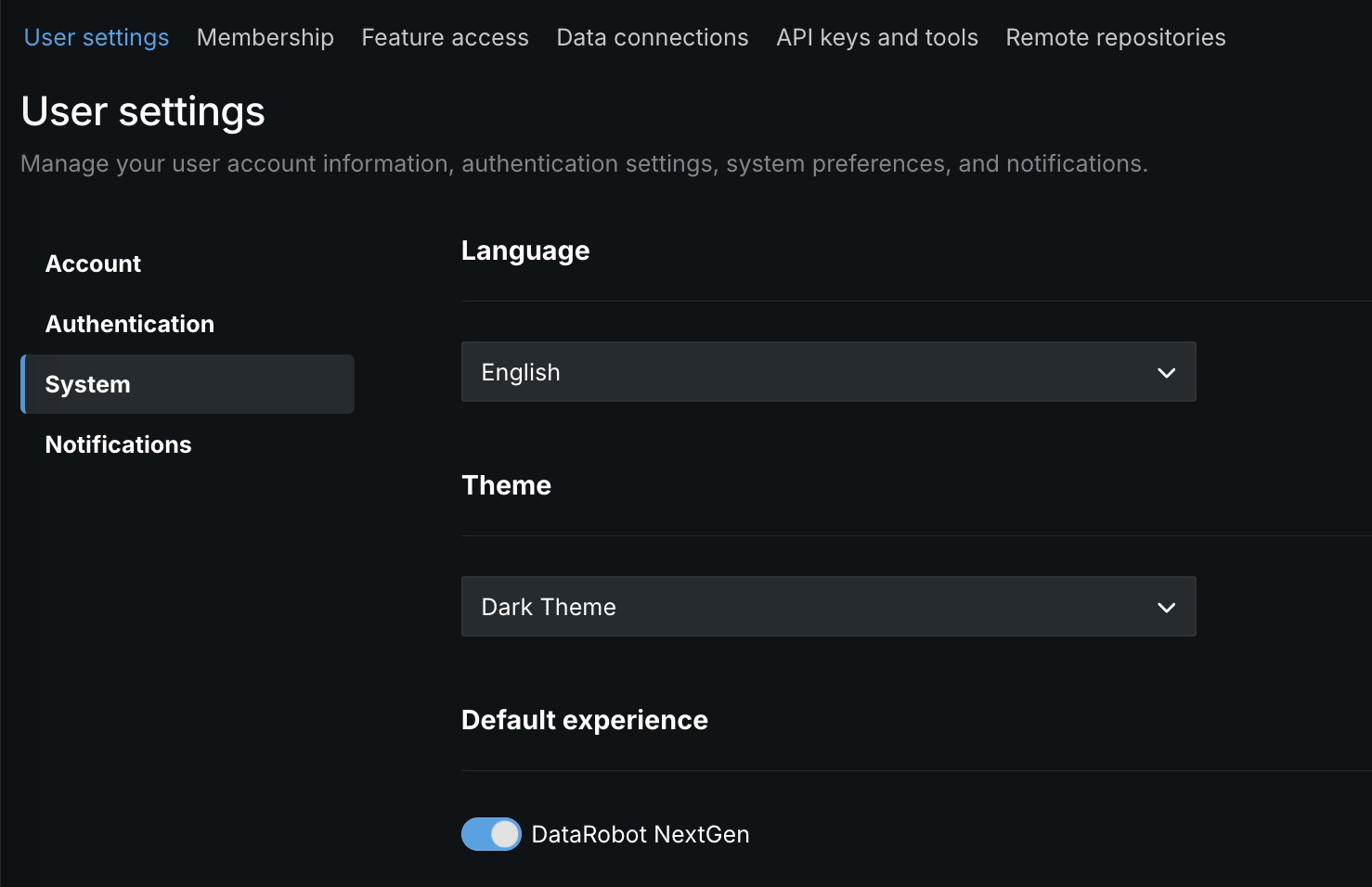
The NextGen homepage is now the default landing page when accessing app.datarobot.com. However, when you request a specific page, for example app.datarobot.com/projects/123abc/models, you will be brought to the requested page. You can make DataRobot Classic the default page instead of NextGen by selecting User settings > System and disabling the toggle.
All product and company names are trademarks™ or registered® trademarks of their respective holders. Use of them does not imply any affiliation with or endorsement by them.